What You'll Learn in This Tutorial
Instagram is the easiest social platform for a birthday countdown because the sticker already handles the timer, the reminder tap, and the visible end point. This page is the practical layer: open Stories, add the sticker, customize it cleanly, then publish it in a way that actually gets people to subscribe.
If you want the broader campaign logic behind the post sequence, pair this page with the birthday countdown guide and the birthday countdown tool. The guide gives you the strategy. This tutorial gives you the exact Instagram execution.
Open Instagram Stories and choose a birthday-ready background.
Add the Countdown sticker from the sticker tray or search.
Rename it, set the date and time, then style the sticker.
Share the Story and tell followers to tap for reminders.
Why Use Instagram for Your Birthday Countdown?
The biggest advantage of an Instagram birthday countdown is that it feels native to how people already consume birthday content. Stories are fast, casual, and low-pressure. The sticker updates automatically, viewers understand it instantly, and the whole post can feel lightweight even when it is doing real audience work in the background.
That audience work matters. A sticker-based birthday countdown on Instagram does more than announce a date. It gives followers a reminder they can subscribe to, builds momentum across several days, and gives you a reason to post follow-ups that feel linked together instead of random.
The countdown keeps moving on its own, so you do not need to rebuild the timer every time you post a new Story.
Viewers can tap the sticker and ask Instagram to remind them when the countdown ends.
Rename the event, change the color, adjust the time, and move the sticker in seconds.
Stories make countdown content feel like a series, not a one-off announcement.
Poll, Question, music, and reaction stickers layer naturally around the countdown.
Once the sticker is live, you can echo it in Feed posts, Reels, and Highlights without changing the core event.
If you want to connect the Story tactic to a bigger posting plan, use the birthday countdown planning guide after you finish the setup. That page covers timelines, captions, tools, and the rest of the cluster.
How to Do a Birthday Countdown on Instagram (4 Steps)
This is the working setup flow. Use the interactive card if you want a quick guided pass, then skim the full step notes below if you need more detail while you build the Story.
Static 4-step walkthrough
- Open the Story camera. Start from Stories, not Feed, so the countdown sticker stays native to the format.
- Insert the Countdown sticker. Search for "countdown" if the sticker tray layout keeps moving.
- Customize the event. Name the birthday clearly, set the correct time, and choose a color that does not bury the sticker.
- Publish with a CTA. Add a short line like "Tap for a reminder" so people know the sticker is interactive.
Step 1 - Open Instagram Stories
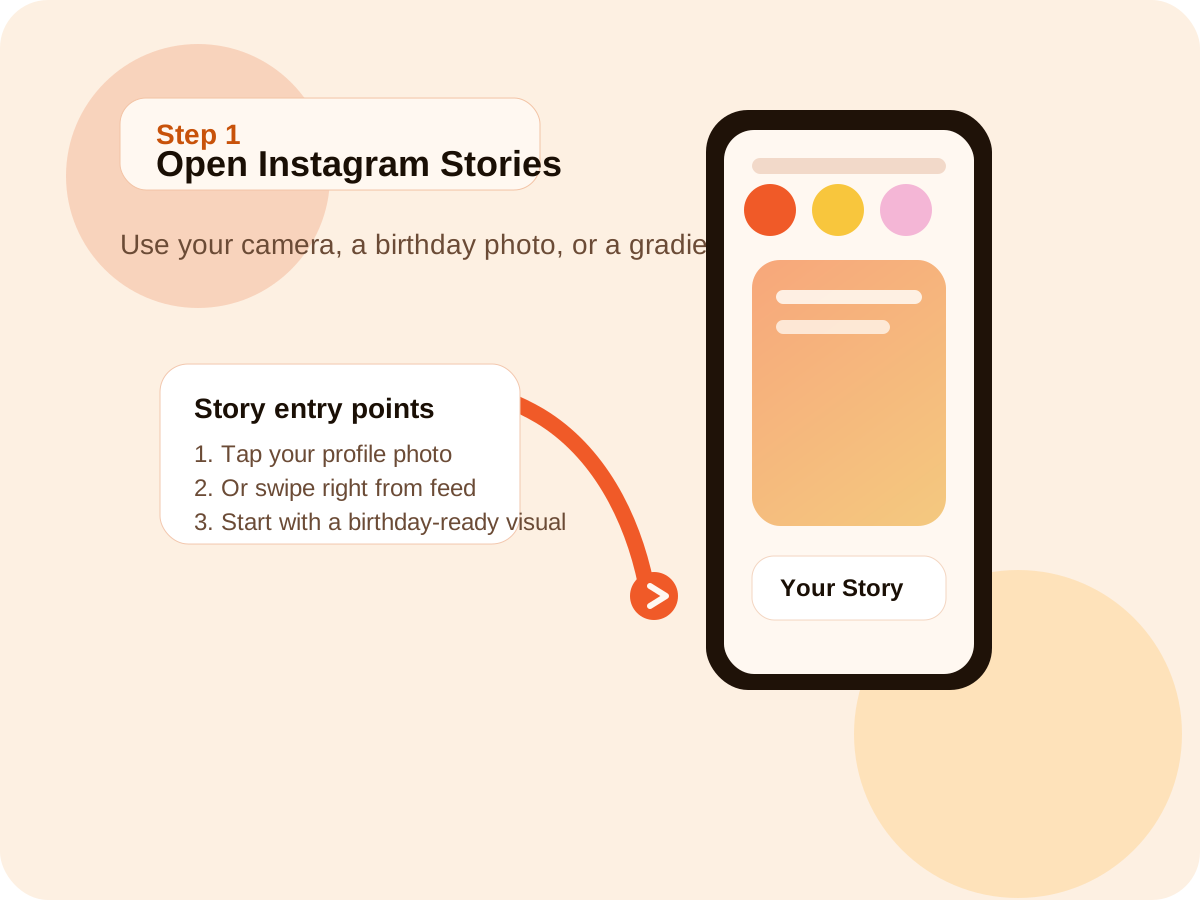
Start inside the Instagram Story camera, not the Feed post composer. Tap your profile photo or swipe right from the main feed, then choose a background that already feels like birthday content rather than a blank utility screen.
- Open Instagram and enter the Story camera.
- Take a new photo or video, or upload from your camera roll.
- Use a birthday-ready image, gradient, or selfie so the sticker has context.
Step 2 - Add the Countdown Sticker
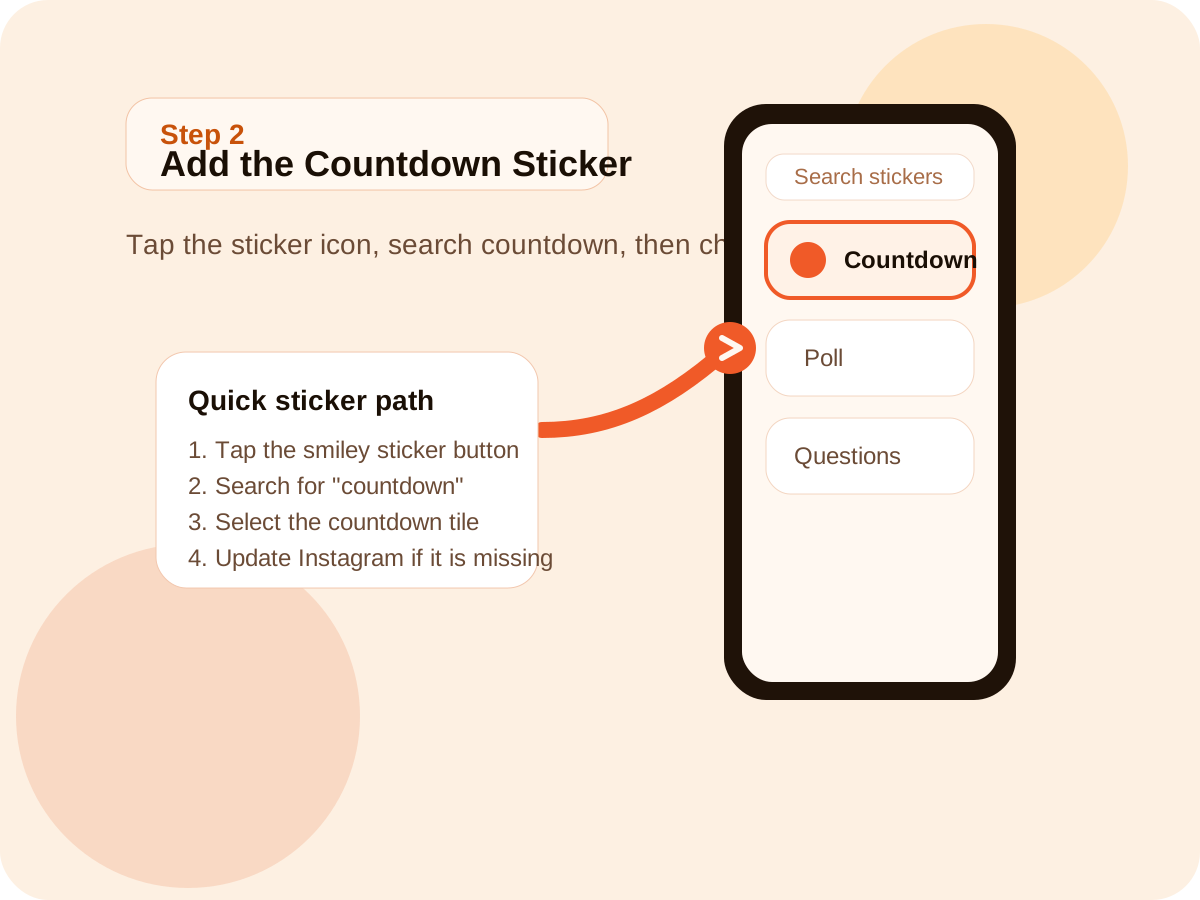
Once the Story background is ready, open the sticker tray and search directly for countdown. That is usually faster than scrolling through every sticker tile, especially if Instagram has changed the tray layout again.
- Tap the sticker icon at the top of the Story editor.
- Search for countdown or look in the interaction section.
- Select the Countdown sticker to open the setup dialog.
Step 3 - Customize Your Countdown
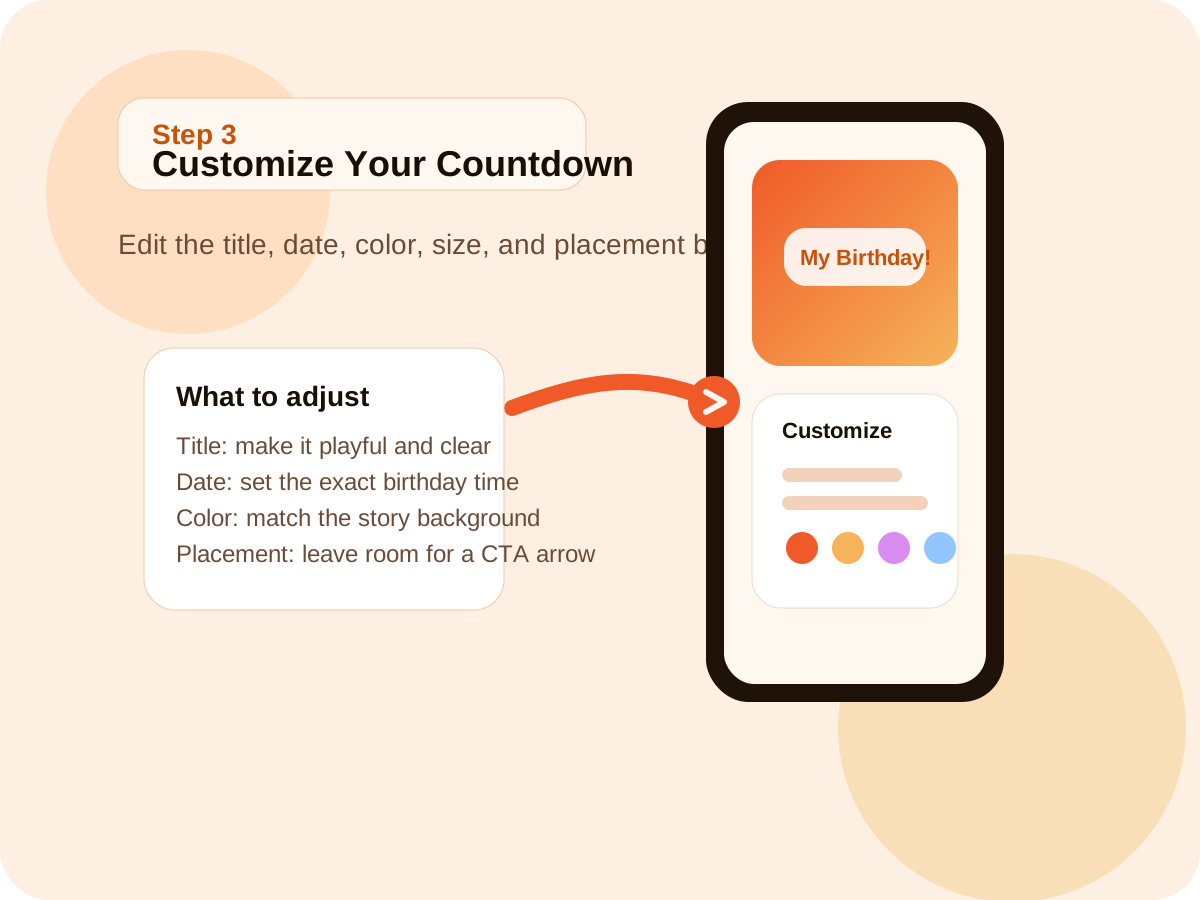
This is where the post stops looking generic. Name the sticker in a way that sounds like your birthday, set the exact date and time, then place the sticker where it helps the Story instead of covering it.
- Try a title like "My Birthday!", "The Big Day", or "Birthday Week Finale".
- Set the exact birthday date and time, especially for milestone events.
- Tap to cycle colors, then drag and resize the sticker with two fingers.
Step 4 - Share and Let Followers Subscribe
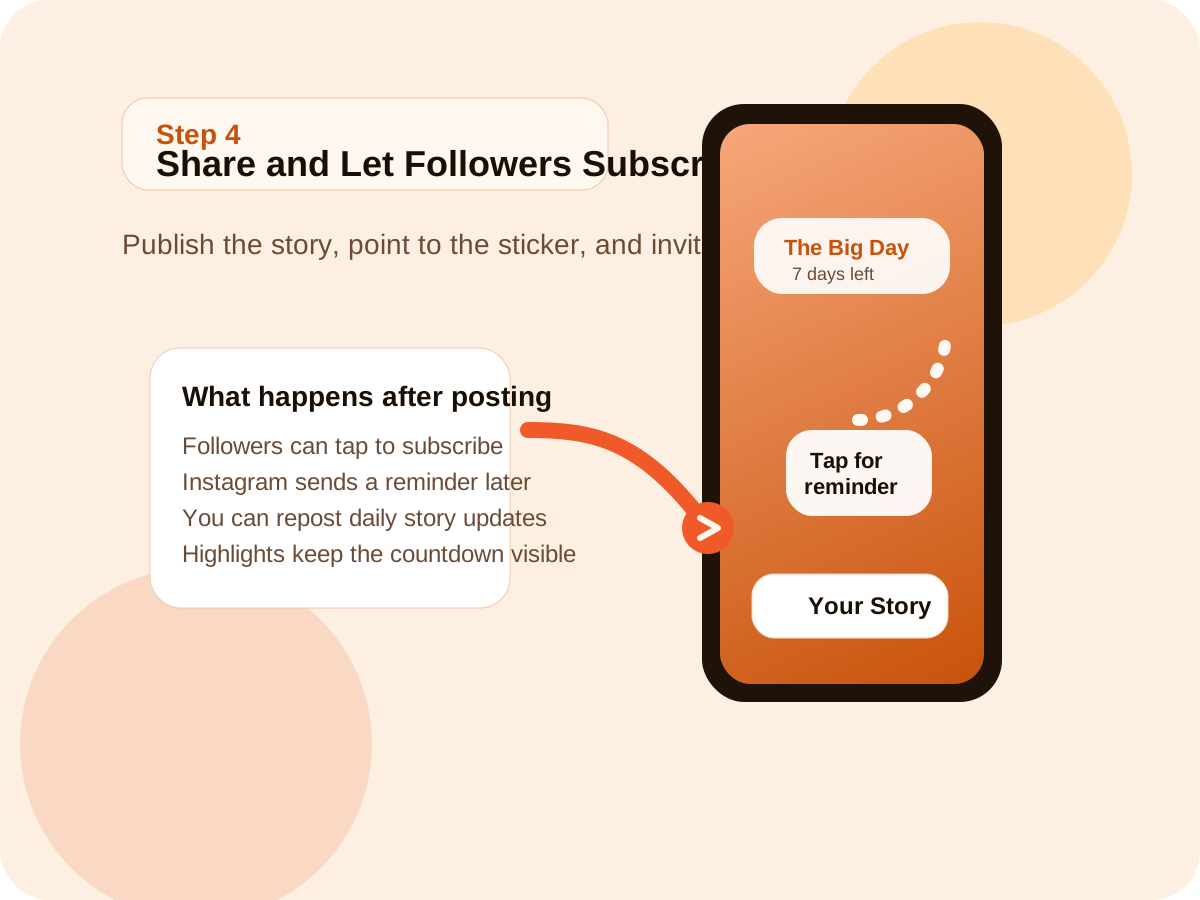
Publish the Story, then make the reminder action obvious. Viewers can only subscribe if they know the sticker is more than decoration, so the Story itself should explain what to do next.
- Post to Your Story or Close Friends, depending on how public you want the countdown to be.
- Add a line such as "Tap the sticker to get notified".
- Reuse the countdown across follow-up stories, Feed posts, or a Highlight.
10+ Creative Birthday Countdown Ideas for Instagram
Once the sticker is set, the real question becomes how to keep the countdown interesting. These ideas are designed to mix format, audience participation, and emotion so the countdown feels like a mini series instead of the same Story repeated every day.
- 7-day countdown arc
- Daily birthday clue
- Countdown plus poll sticker
- Memory reposts
- Best-friend countdown takeover
- Collage plus reminder CTA
- Outfit reveal sequence
- Birthday moodboard
- Color-coded sticker series
- Save the countdown in a Birthday Highlight
- Pin the strongest days for late viewers
- Reuse the sticker across follow-up Stories
Idea 1 - The 7-Day Story Series
Treat the countdown like a simple arc. Day 7 announces the series, the middle days reveal mood, memories, or plans, and the final days raise the energy before the birthday arrives.
- Day 7: launch the countdown and set the theme.
- Day 4 to Day 6: share wishlists, memories, or outfit hints.
- Day 1: post the highest-energy teaser with the clearest CTA.
Idea 2 - Countdown plus Wishlist Story
Pair the countdown sticker with a Poll sticker so the audience votes on a cake flavor, dress option, dinner spot, or playlist. This gives the countdown a reason to collect replies, not just views.
- Ask one low-pressure decision question.
- Share the winning option in a follow-up story.
- Keep the birthday sticker visible so the event still anchors the post.
Idea 3 - Aesthetic Countdown Template
Build one soft visual template in Canva or inside Instagram, then reuse it for the whole countdown. Consistency helps the series feel intentional even if every Story is very simple.
- Choose one palette and one font style.
- Use the same sticker placement every day.
- Change only the photo, color, or short caption line.
Idea 4 - Countdown for a Friend's Birthday
A friend-focused countdown works best when it feels like a love note rather than a reposted template. Tag the friend, speak directly to them, and use the countdown to build public warmth around the date.
- Use one memory, inside joke, or reason they are easy to celebrate.
- Tag the friend so their network can join the anticipation.
- Mix the sticker with photos, videos, or voiceover messages.
Idea 5 - Milestone Birthday Countdown
Milestone birthdays can carry more narrative weight. Use the countdown to frame what the age means, not just how many days are left.
- Share a memory, lesson, or favorite moment for each year marker.
- Use captions that acknowledge the milestone directly.
- Let the final Story feel more reflective or more cinematic than usual.
Idea 6 - Countdown plus Q&A Sticker
Use the countdown sticker as the anchor and a Question sticker as the interaction engine. This works especially well if you want the audience to help fill the week with prompts.
- Ask for birthday wishes, recommendations, or guesses.
- Answer a few responses each day to keep the series moving.
- End the week with the best replies or funniest moments.
Idea 7 - Reel Countdown Series
Reels can extend the countdown beyond Stories if you want the content to live on the profile longer. The trick is to keep the format repeatable and short.
- Use the same sound or opening line across the whole series.
- Let each Reel focus on one tiny beat: outfit, mood, plan, or wish.
- Cross-reference the Story sticker so the reel series and the countdown stay linked.
Idea 8 - Countdown plus Birthday Wishlist Feed Post
If you want the countdown to reach beyond Stories, publish a birthday wishlist or moodboard in Feed and use Stories to push people back toward it.
- Keep the Feed post visually stable and the Stories more reactive.
- Use the sticker to drive traffic to the Feed caption or carousel.
- Save the most useful story frames into Highlights afterward.
Idea 9 - Close Friends Exclusive Countdown
Not every birthday countdown should be public. Close Friends lets you keep the build-up intimate while still using the same sticker workflow and content structure.
- Use inside jokes, private plans, or softer content you would not post publicly.
- Invite fewer people but make the tone more specific.
- Mix the sticker with voice notes, casual clips, or group planning hints.
Idea 10 - Countdown plus Throwback Photos
A throwback sequence gives the countdown emotional progression. Each day can show a different year, style, or birthday memory until the final Story lands on the present.
- Use one photo per day and keep the sticker in a consistent spot.
- Pair each image with a short line about that year or season.
- Finish with the current portrait or final pre-birthday look.
Pro Tips to Maximize Your Birthday Countdown on Instagram
Once the setup is correct, performance usually comes down to timing, clarity, and repetition. These are the parts that make an Instagram countdown sticker feel intentional instead of accidental.
Tip 1 - Time Your Posts for Maximum Reach
Post when your followers are actually awake and likely to tap through Stories slowly enough to notice the sticker. For many personal accounts that means evening, not early morning.
Tip 2 - Use a Clear Hashtag Strategy
If you mirror the countdown in Feed or Reels, keep the hashtag mix simple: a few broad birthday tags, a few medium countdown tags, and one or two long-tail tags. Use the birthday countdown captions page if you need better text around the sticker.
Tip 3 - Tell People to Tap the Sticker
Most viewers will not automatically use the reminder feature unless you tell them it exists. Add a short CTA, a small arrow, or a caption line that makes the action explicit.
Tip 4 - Amplify Across Platforms
Use the Instagram countdown as the core event, then echo it in TikTok, Feed, or a group chat. The sticker stays on Instagram, but the anticipation can travel elsewhere.
Tip 5 - Review What People Respond To
Track which Story style gets better replies, more reshares, or more taps. That pattern matters more than any generic best practice because it is based on your audience.
If you want to build the longer series behind those posts, go back to the birthday countdown guide and map the content rhythm before the final week begins.
Troubleshooting: Instagram Birthday Countdown Not Working?
Most Instagram birthday countdown problems fall into a small set of predictable issues: missing sticker access, incorrect time, unclear reminder behavior, or Stories disappearing before the campaign is over.
Can't find the Countdown Sticker?
- Update Instagram to the latest version first.
- Search directly for countdown instead of browsing the tray.
- Restart the app if the sticker menu feels stale.
- Remember that some features roll out gradually across accounts.
Countdown showing the wrong time?
- Check the phone timezone and date settings before changing the sticker again.
- Open the sticker and re-enter the exact birthday time.
- Be careful if the birthday lands near midnight or involves travel.
Followers are not tapping for reminders?
- Add a direct line such as "Tap the sticker to get notified".
- Use an arrow, emoji, or placement that makes the sticker easier to notice.
- Repeat the CTA in more than one Story, not only in the first post.
Story disappeared before the countdown ended?
- Stories expire after 24 hours, even if the countdown event is still running.
- Repost the sticker in a fresh Story each day or each key milestone.
- Save core countdown frames into a Highlight if you want persistent visibility.
Instagram Birthday Countdown FAQ
These are the questions people search right after they learn the sticker exists and try to turn it into a real birthday countdown on Instagram.
How do I add a birthday countdown to my Instagram Story?
Start a Story first, then add the countdown sticker from the sticker tray rather than building the post backwards. Choose the photo or video, open stickers, search for countdown, name the event, and set the birthday date and time. That workflow is the fastest route on both iPhone and Android. After the sticker is in place, add one line of text that tells people why they should tap it.
Can my followers get notified when my birthday countdown ends?
Yes. Followers can tap the sticker and ask Instagram to remind them when the countdown reaches zero. That reminder is one of the main reasons the Instagram birthday countdown sticker is stronger than a static image with numbers on it. The mistake people make is assuming viewers know this on their own. A short CTA in the Story usually makes the reminder behavior much more obvious.
How do I customize the Instagram countdown sticker?
Inside the sticker setup you can change the event name, adjust the end date and time, cycle through colors, and move or resize the sticker on the Story canvas. Those are small controls, but they matter because a countdown sticker birthday post can look sloppy very quickly if the color clashes with the background or the sticker covers the subject of the image. Keep the name short and the layout easy to read.
How many days before my birthday should I start a countdown?
A 7-day countdown is the safest starting point for most people because it creates momentum without forcing too much content. A 14-day version works if the birthday is a bigger event, a trip, or a milestone age. A full month can work, but only if you already know what you will post. If the sequence feels empty, shorten the timeline instead of stretching it.
Can I do a birthday countdown for a friend on Instagram?
Yes, and it often performs better when it sounds personal. Use the friend's birthday in the sticker title, tag them in the Story, and add one specific reason they are worth celebrating. That turns the countdown into a message rather than a template. Friend countdowns also work well with shared memories, collages, or group clips if more than one person wants to participate in the build-up.
Why can't I find the countdown sticker on Instagram?
Start by updating Instagram, because sticker problems are usually version issues first. Then search directly for countdown in the sticker tray rather than relying on the default sticker layout. If it is still missing, restart the app, update the phone OS, and try again later because some features roll out unevenly. The missing sticker problem is frustrating, but it usually is not permanent.
How do I make my Instagram birthday countdown more creative?
Add a format beyond the sticker itself. Polls, question boxes, throwback photos, birthday wishlists, outfit reveals, or short Reels all give the countdown a reason to evolve over several days. The goal is not to redesign the sticker every time. The goal is to keep the sticker as the anchor while the rest of the Story changes around it. That is what makes the countdown feel like a series.
Does Instagram birthday countdown work on both iOS and Android?
Yes. The birthday countdown sticker works on both iOS and Android in current Instagram versions. The tray layout may look slightly different, but the workflow is the same: create a Story, open stickers, search for the countdown, customize the event, and post. If one phone sees the sticker and another does not, update both apps first before assuming the account itself is the problem.
Continue Your Birthday Planning
Use these related pages to connect the Instagram setup to captions, a fuller birthday countdown strategy, and the planning side of the celebration.
Match the sticker with copy that fits Stories, Feed, TikTok, friends, and milestone birthdays.
Read the captions guide Pillar Guide Birthday Countdown: Complete Guide (2026)Build the full birthday countdown strategy behind the Instagram post sequence.
Read the birthday countdown guide Checklist Birthday Planning ChecklistTurn the social countdown into a real event plan with stages, budget logic, and party timing.
Read the planning checklist